Entry · Ref KDFAUC1E
From mood board to motion: how AI video effects turn ideas into visuals
- Posted
- 2026-11-26
- Last amended
- 2026-11-26
- Account
- @promptedframes
Every creative project starts with a feeling. That feeling might come from a scrap of fabric, a colour palette, a still from a film, or a collection of images pinned on a board. For years, the next step has been a manual one: translating that mood board into a storyboard, then into a rough cut, then into a finished video. Each stage demands time, skill, and often a small team. But a new wave of tools is changing that sequence. With AI video effects, the jump from a static reference to a moving visual is becoming direct, fast, and accessible to anyone who can describe what they want.
This article explains what that shift means in practice: how mood boards feed into AI video generation, what happens inside the process, and how you can use it to produce real work, not just experiments. The focus is on practical use, not on the technology behind it. Happy Wan — Multimodal AI Video Generation Online Free
What a mood board does that text cannot
A mood board is a visual brief. It communicates tone, lighting, texture, composition, and emotional weight in a way that words struggle to match. When a creative director says "warm, nostalgic, late afternoon light", a mood board shows the exact shade of golden hour they have in mind. When a brand guideline specifies "minimalist, clean, high contrast", a mood board makes that concrete.
But a mood board is static. It shows what something should look like, not how it should move. Until recently, the gap between the board and the video required a human director, a cinematographer, an editor, and often a post-production team to work out camera movement, pacing, transitions, and visual effects. That workflow produces great results, but it is expensive, slow, and hard to iterate on.
AI video effects change that by treating the mood board as a starting point rather than a reference. Instead of asking a person to imagine how a still image would move, the AI can generate motion directly from the visual cues in the board. The result is not a storyboard drawn by hand, but a short video clip that captures the same mood in motion.
How AI reads a mood board
Most AI video generators work from a text prompt. You type "a cat walking through a rainy street at night" and the model produces a plausible video. But text leaves out a lot of visual detail. What kind of rain? What colour is the street light? Is the cat wet or dry? The model fills in those gaps from its training data, not from your intention.
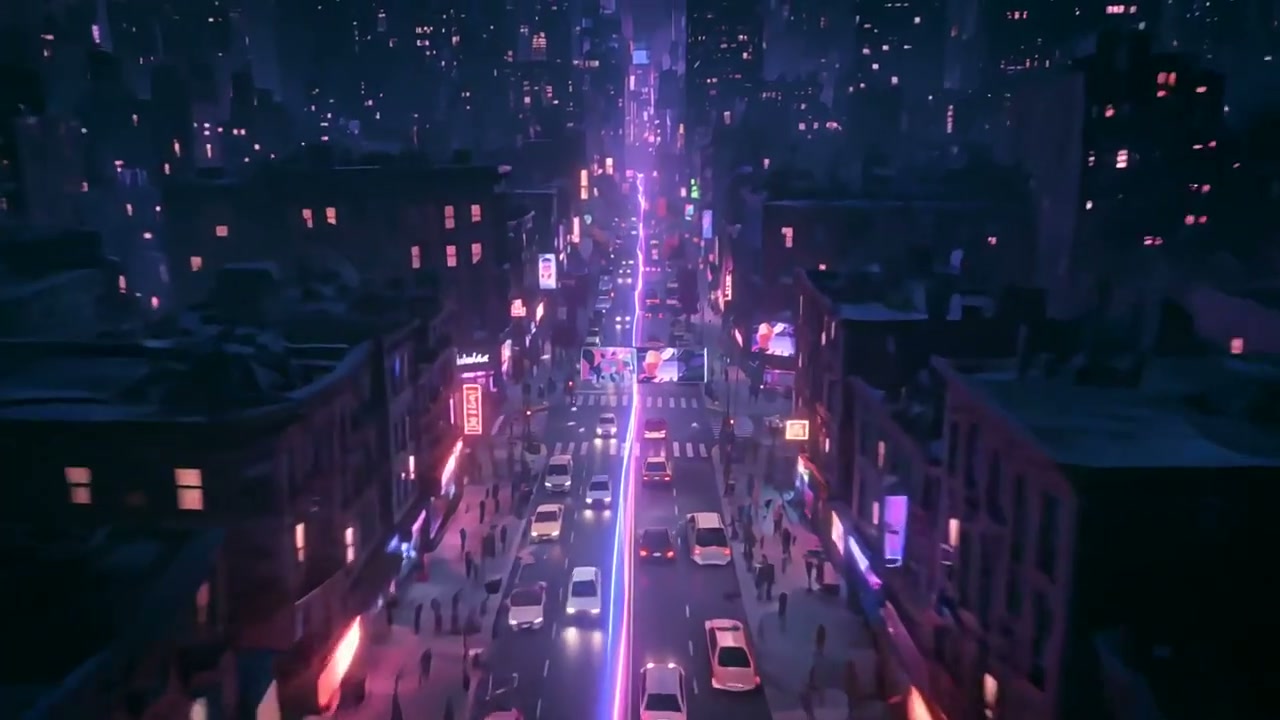
When you feed images into the process, the AI has more to work with. It can analyse the colour palette, the lighting, the composition, and the textures in your reference images. It learns what "warm" means from the actual hues in your board. It understands "contrast" from the shadow and highlight distribution. It can even pick up on subtle cues like lens flare, film grain, or depth of field.
Some tools allow you to upload multiple images and blend their styles. You might give it one image for colour and lighting, another for subject matter, and a third for texture. The AI then generates a video that respects all three influences. That is a huge leap from text-only prompts, because the visual brief stays visual throughout the process.
From reference to storyboard
Once the AI has processed your mood board, it can generate a sequence of frames that suggest camera movement, subject motion, and scene changes. This is not a finished video yet, but it is a moving storyboard. You can see how the light shifts as the camera pans, how the subject enters the frame, and how the mood evolves over time.
This stage is where creative testing becomes useful. You can generate several versions of the same idea, each with a different emphasis. One version might follow the mood board closely, while another pushes the colours warmer or the camera movement slower. You compare them side by side, pick the direction that works, and then refine.
In a traditional workflow, this kind of iteration would require a full edit cycle, with a director of photography, an editor, and a colourist. With AI video effects, you can run multiple variations in minutes and keep only what serves the brief.
When a mood board is not enough
A mood board captures a look, but a video also needs rhythm, pacing, and narrative flow. A still image cannot tell you how long a scene should last or when the action should accelerate. Those decisions still belong to the human creator. The AI generates motion, but it does not know your story.
This is where the creative brief comes back in. You guide the AI by specifying a duration, a desired mood shift over time, or a target output like "slow cinematic reveal" versus "fast-paced product showcase". The AI respects the visual cues from your mood board, but it needs your direction to shape the result into something that tells a story.
Some tools let you supply a reference video alongside the mood board. The reference video provides a tempo and a camera style, while the mood board supplies the look. This combination is powerful for brand campaigns where the visual identity is fixed but the execution needs to vary across formats, such as social video versus a longer brand film.
Practical uses for moving mood boards
AI-generated video from visual references is not just for experimentation. It has real applications in professional creative work.
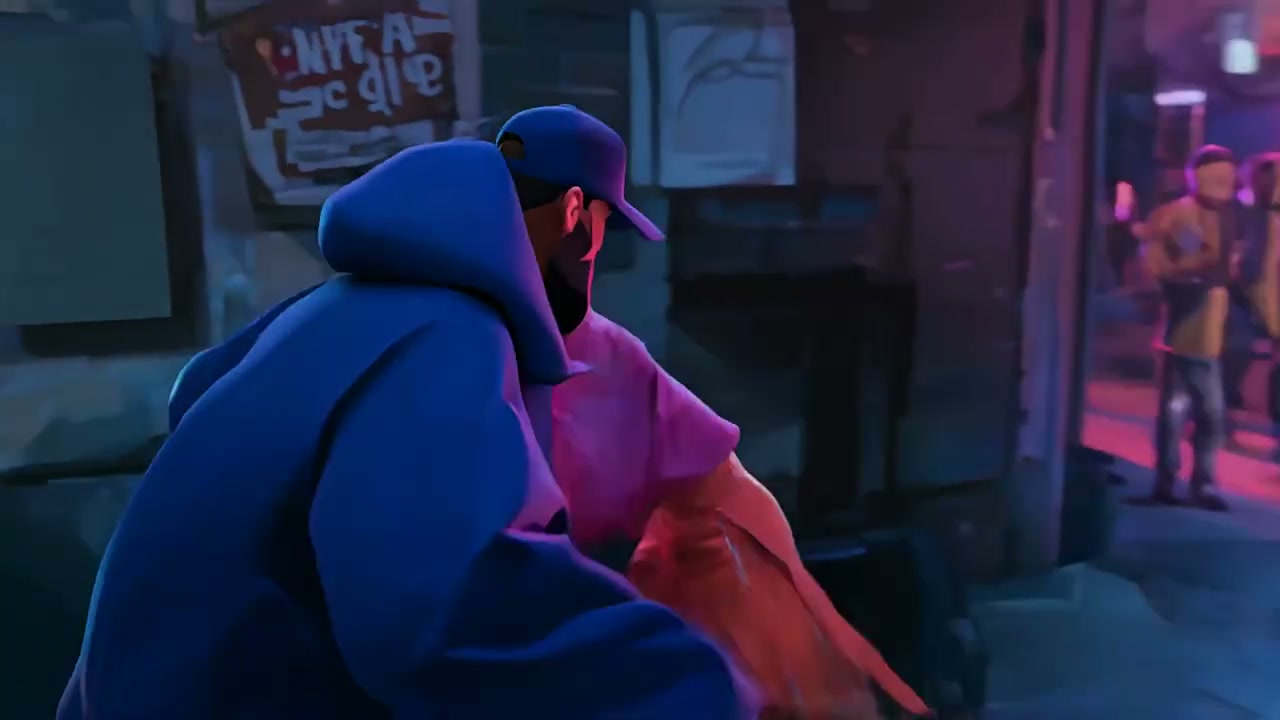
One clear use is campaign concept development. Instead of presenting a static deck of images to a client, you can show them a short moving visual that captures the intended mood, camera movement, and lighting. The client sees the idea in motion before any production begins. That reduces misunderstandings and saves time on reshoots or direction changes later.
Another use is product image animation. A product shot that exists as a still can be brought to life with subtle motion: a slow rotation, a light sweep across the surface, or a gentle zoom. This works especially well for social video, where motion grabs attention more than a static image does.
Brand guideline documents often include example imagery but no example video. With AI video effects, you can generate moving examples that illustrate the brand's visual tone in action. That gives designers and agencies a clearer target to aim for.
One platform that supports this kind of workflow is Happy Wan, Multimodal AI Video Generation Online Free. It accepts images, reference clips, and audio alongside text prompts, so you can feed it your mood board directly and receive a video that respects the visual cues you provided. The multimodal input means you are not limited to text; you can show the AI exactly what you mean.
What to watch out for
AI video effects are not a replacement for a director or an editor. The output still needs review, selection, and often manual polishing. The AI can generate motion, but it does not understand narrative logic, character consistency, or brand hierarchy. A generated video might look beautiful but contain a logo that distorts, a product that changes colour between frames, or a camera move that disorients the viewer.
Creative testing remains essential. Generate multiple versions, compare them, and keep only the ones that serve your intent. Treat the AI as a fast assistant that handles the technical translation from still to motion, not as a decision-maker.
Another consideration is the quality of the input. A poorly lit, low-resolution image will produce a video that inherits those flaws. A mood board with clashing colours or inconsistent lighting will confuse the AI and produce muddy results. Spend time curating your reference images before feeding them into the generator.

Where the process is heading
As AI models improve, the gap between mood board and final video will shrink further. Already, the output from a good prompt can look close to a produced clip. The next step is real-time generation, where you adjust the mood board and see the video update instantly. That would make creative iteration almost frictionless.
For now, the practical path is clear. Gather your reference images, define the mood, and feed them into a tool that accepts visual input. Review the output, pick the best direction, and iterate. The technology does not replace your creative judgment, but it does remove the slow translation step that used to separate an idea from a moving image.
Happy Wan, Multimodal AI Video Generation Online Free is one example of a platform that lets you try this process without a large budget or a technical background. The key is to start with a clear visual brief and use the AI to explore motion, not to generate a finished product on the first try.
Mood boards have always been about capturing a feeling. AI video effects now let you feel that mood in motion, long before the cameras roll.